app download btn
beautyplus logo
HomeAll Tools
AI Replace Photo

AI Replace Photo - Replace Object in Photo

BeautyPlus AI Replace makes photo editing easy. Manually select an area to replace, enter a text prompt, or upload a reference image and adjust the area you want. Generate a new image using AI Generative Fill.

Image Extender 
 Uncrop Image
Image Extender 
 Uncrop Image
Drag and drop Image here

Best AI Replace Photo Editor

1

Seamless Photo Edits with AI Generative Fill

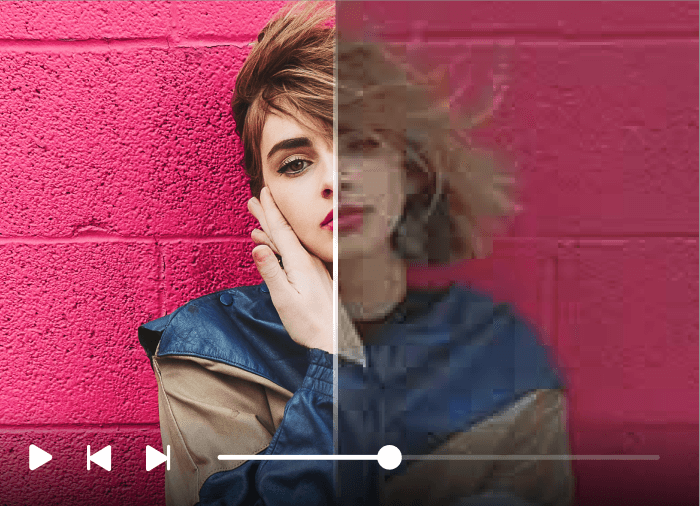
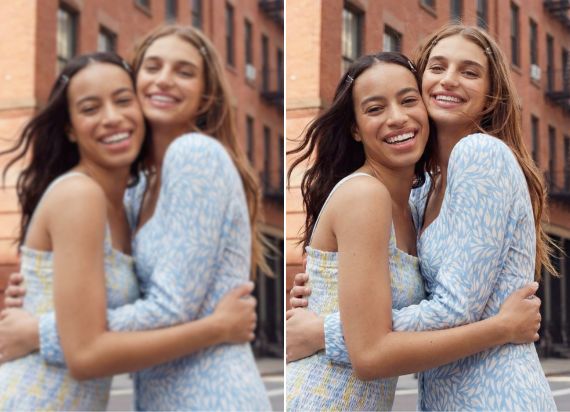
AI Generative Fill simplifies photo editing by automatically replacing selected areas with new content. Just describe what you want, and the AI seamlessly fills the space, making image edits quick and effortless.

2

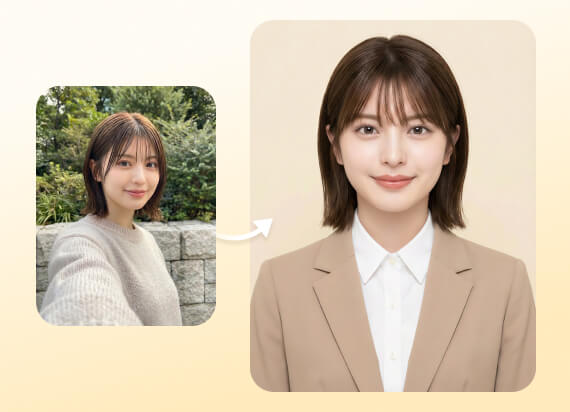
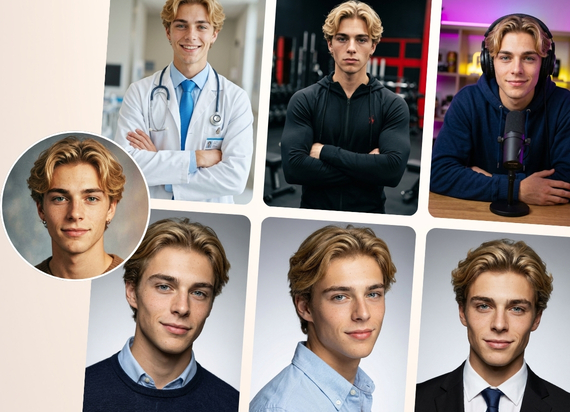
Refresh Portraits with AI Replace

Easily refresh your portraits with BeautyPlus AI Replace by removing unwanted elements and adding new ones. Just select the area, describe what you want, and AI seamlessly replaces it, giving your images a new look.

3

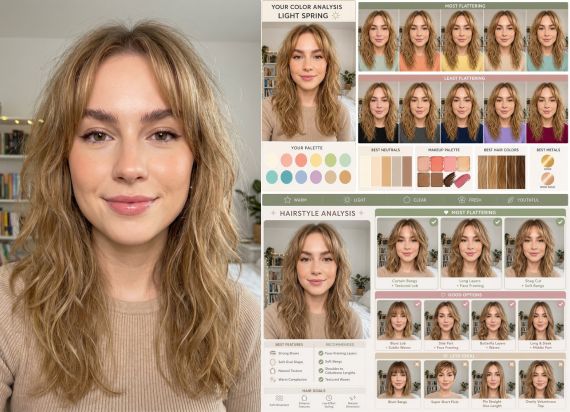
Instantly Change Hair Color Online with AI Replace

With BeautyPlus AI Replace, changing hair color is easy. Just select the area, describe the new color in the text box, and click "Generate." AI Generative Fill processes your request instantly for seamless results!

4

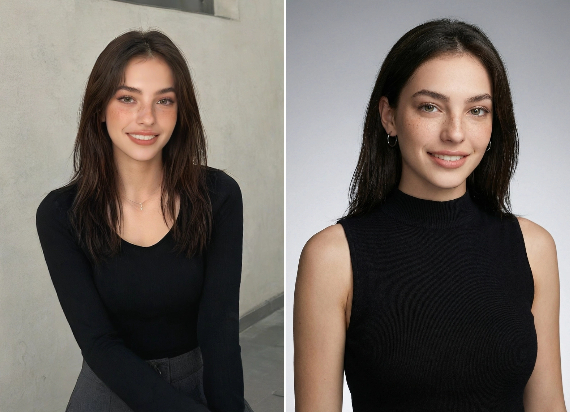
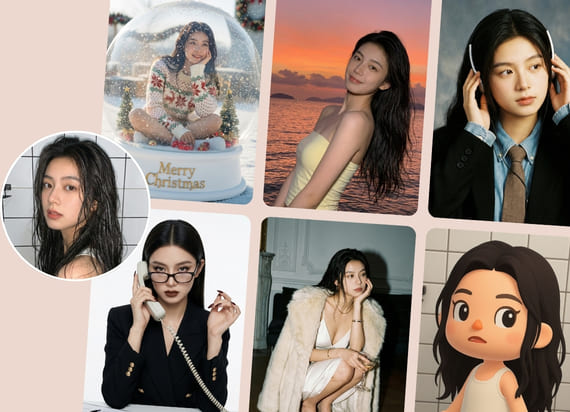
AI Image Replacer for Instagram and Social Media Posts

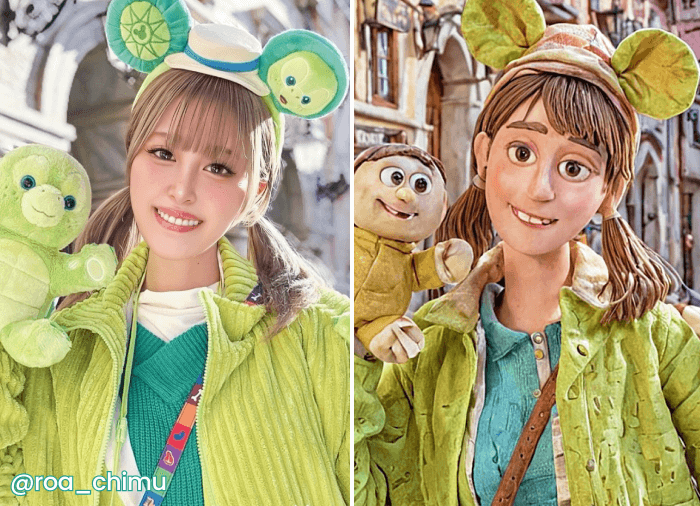
Image Replace makes it simple to create viral content for Instagram and social media. Edit like a pro, replace elements effortlessly, and craft visuals that boost engagement and attract more followers.

Make Precise Changes with AI Replace

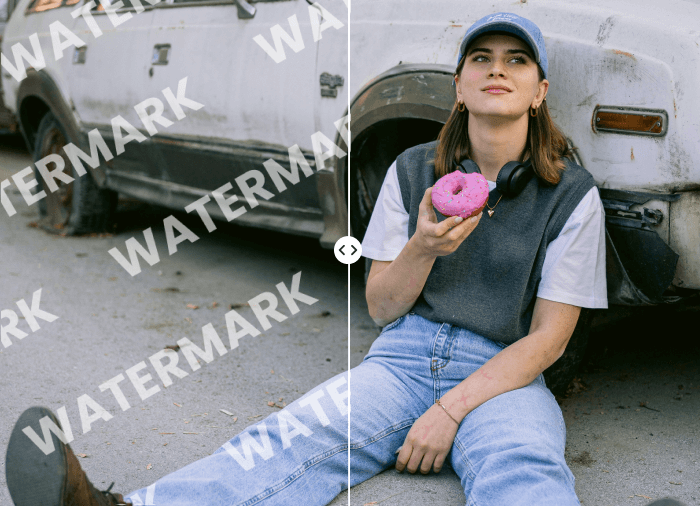
BeautyPlus AI Replace makes editing simple, allowing anyone to remove or add elements with precision. It’s more efficient than manual editing, cost-effective, and delivers professional-quality results effortlessly.
AI replace

AI Changer for Clothes and Accessories

Looking for an AI changer for clothes or accessories? With AI Replace, you can instantly change your dress by brushing over the area and describing the style, color, or material you want. The edit stays focused on your selection to help avoid unwanted changes elsewhere.
AI replace

AI Image Replacement with a Reference Image

Create AI image replacements with a reference image. Brush over the part of your photo you want to change, upload a reference image, and adjust the reference area to select the details you want AI Replace to follow.
AI replace

Enhance Your Vacation Photos with AI Replace

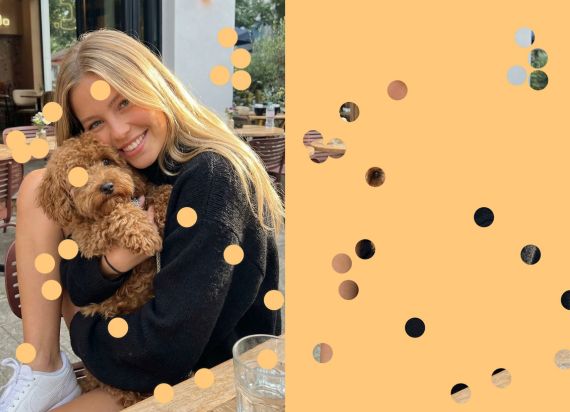
AI Image Replacer lets you easily refresh your vacation photos. Add your pet to old images or seamlessly remove a friend, all with just a few clicks. Personalize your memories with effortless editing.
AI replace

Boost Your Business with AI Replace

Boost your product sales with BeautyPlus AI Replace, streamlining your editing by easily replacing objects in photos with simple prompts. It’s cost-effective, time-saving, and delivers stunning, professional results.

How to Replace Object in photo?

step 1

Upload Your Picture
Upload a clear photo from your device to begin your AI image replacement.

step 2

Select the Object
Use the brush to choose the object or area you'd like to replace.

step 3

Replace the Object
Enter a text prompt to describe the new object, or upload a reference image and adjust its area.Click Apply and let AI generate the replacement.

All Online Image & Video Editing Tools
User reviews 

Aahan Deshmukh
I am blown away by BeautyPlus AI Replace tool! It’s so simple to use, yet the results are professional. I can replace objects in my photos with just a few clicks, and even upload a reference image! It’s truly a game-changer for my content creation!
Kavya Mehra
BeautyPlus AI Replace has made editing photos a breeze! I love how I can easily change elements in my images without any technical knowledge. It’s quick, efficient, and the quality is outstanding. Highly recommended
Aarav Nair
This tool is brilliant! I’ve been able to edit my social media posts effortlessly. BeautyPlus AI Replace feature delivers precise and seamless edits every time. It's a must-have for anyone serious about visual content.

Frequently Asked Questions

What is AI image replacement?

AI image replacement is an editing method that lets you select an object or person in an existing photo and replace it with new content. Also known as AI inpainting or generative fill, BeautyPlus AI Replacer lets you guide the edit with a text prompt or a reference image.

How can I get a more realistic AI replacement?

Use a clear prompt with details about size, material, color, angle, lighting, and placement. Or you can even upload a clear reference image and adjust its area to include only the most relevant details.

Can I upload multiple images at once?

No, BeautyPlus AI Image Replacer can only process one image at a time.

Can I use a reference image for AI replacement?

Yes. BeautyPlus AI Replace lets you select an area, upload a reference image, and adjust its reference area for more precise replacements, especially for products, clothing, hairstyles, colors, or patterns.

Can I use different languages in the text input for replacement?

Yes, BeautyPlus supports multi-language input for describing the object to be replaced.

How long does it take for the tool to process my replacement task?

Processing times may vary depending on the complexity of the image and your internet speed, but it generally takes a few moments.

Can I undo or re-edit the replacement after processing?

Once the replacement is processed, you will need to reselect the area and provide a new description to make further edits.

Is there a limit on how many times I can use the tool?

There is no stated limit on the number of times you can use the tool, but it processes one image at a time.

How do I replace part of an image with AI?

With AI Replace, upload a photo, brush over the area to change, then enter a prompt or upload and adjust a reference image.

Does the tool store my uploaded images for future use?

No, BeautyPlus does not store your images. Once the editing session is complete, the images are not retained by the system